Frequently asked questions
Can I chat with multiple AI models at once on iPhone?
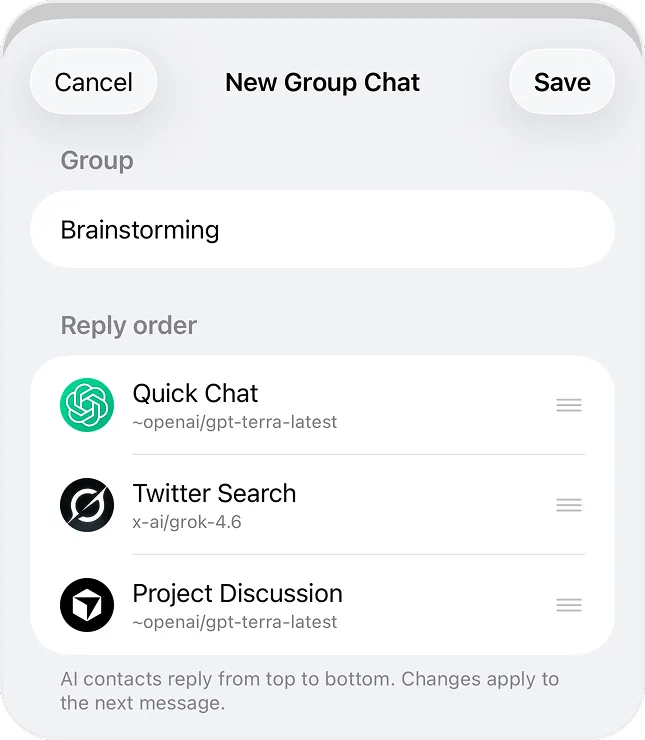
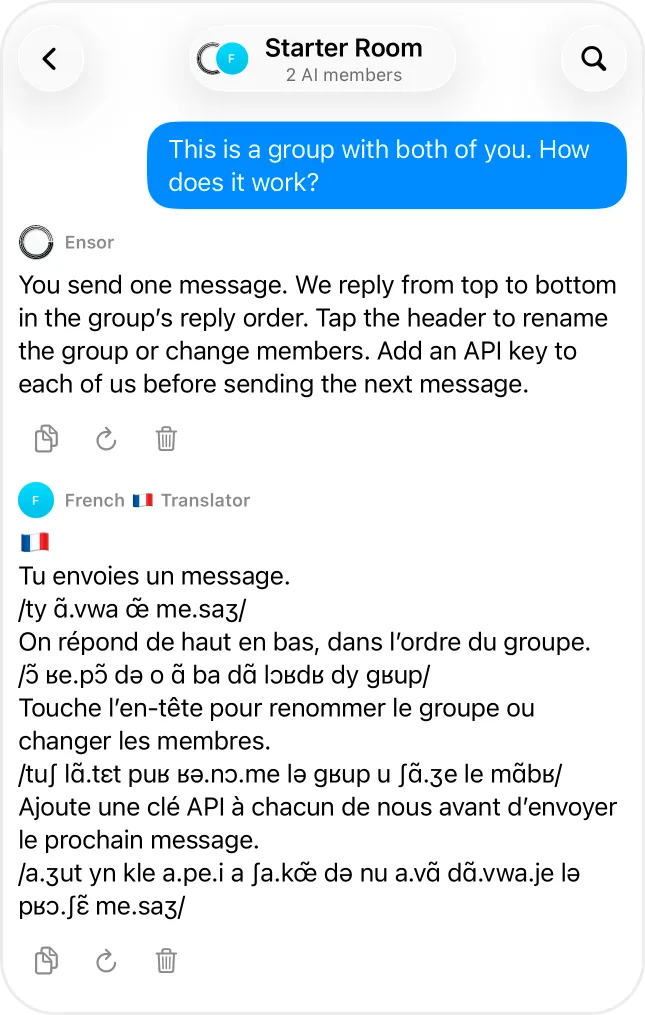
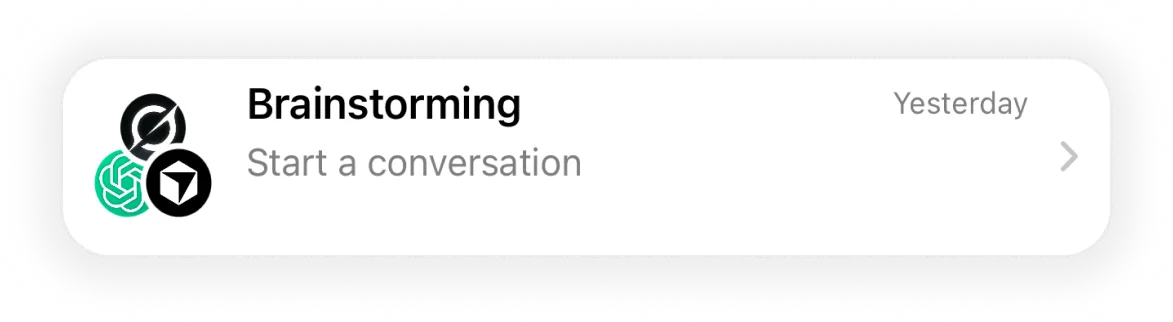
Yes. In Ensor, create a group chat with 2 to 5 AI contacts. When you send a message, each AI replies in turn, in the order you set, using its own model and API key.
Can I mix providers in one group chat?
Yes. A group can combine contacts on OpenAI, Anthropic, Google Gemini, xAI, DeepSeek, OpenRouter or a custom endpoint.
What if one AI in the group has no API key?
Every member needs a working key. If one is missing, Ensor tells you before the next round of replies starts.
Can I change the members or reply order later?
Yes. Tap the group header to rename it, change members or reorder them. Changes apply to the next message.