Google Gemini in Ensor at a glance
| API | Gemini API generateContent / streamGenerateContent (https://generativelanguage.googleapis.com) |
|---|---|
| Web search | Grounding with Google Search |
| Image input | Yes |
| PDF input | Yes |
| Streaming | Yes |
| Models | Ensor loads the Gemini models available to your key, or you can type any Gemini model ID. |
How to set up Google Gemini on iPhone
- Create an API key in Google AI Studio.
- Open Ensor, go to Contacts and tap an AI’s avatar, or create a new AI.
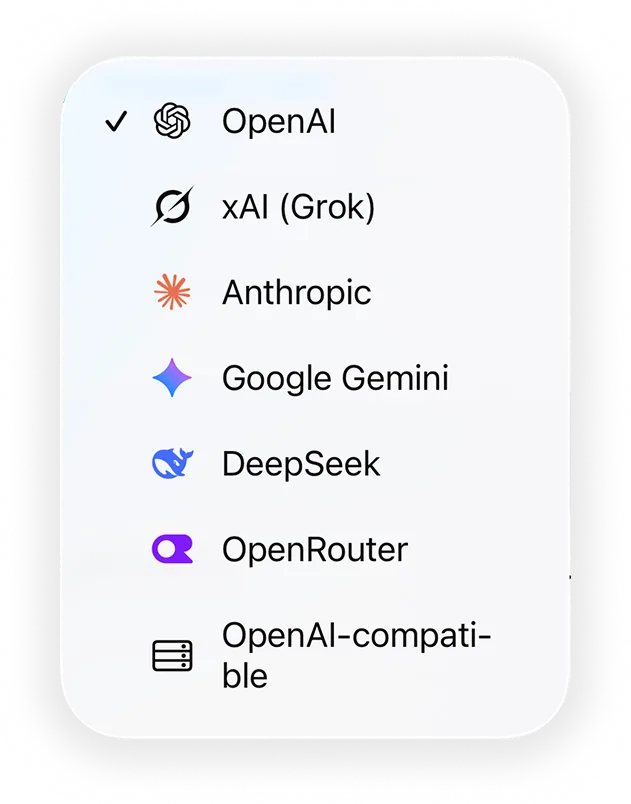
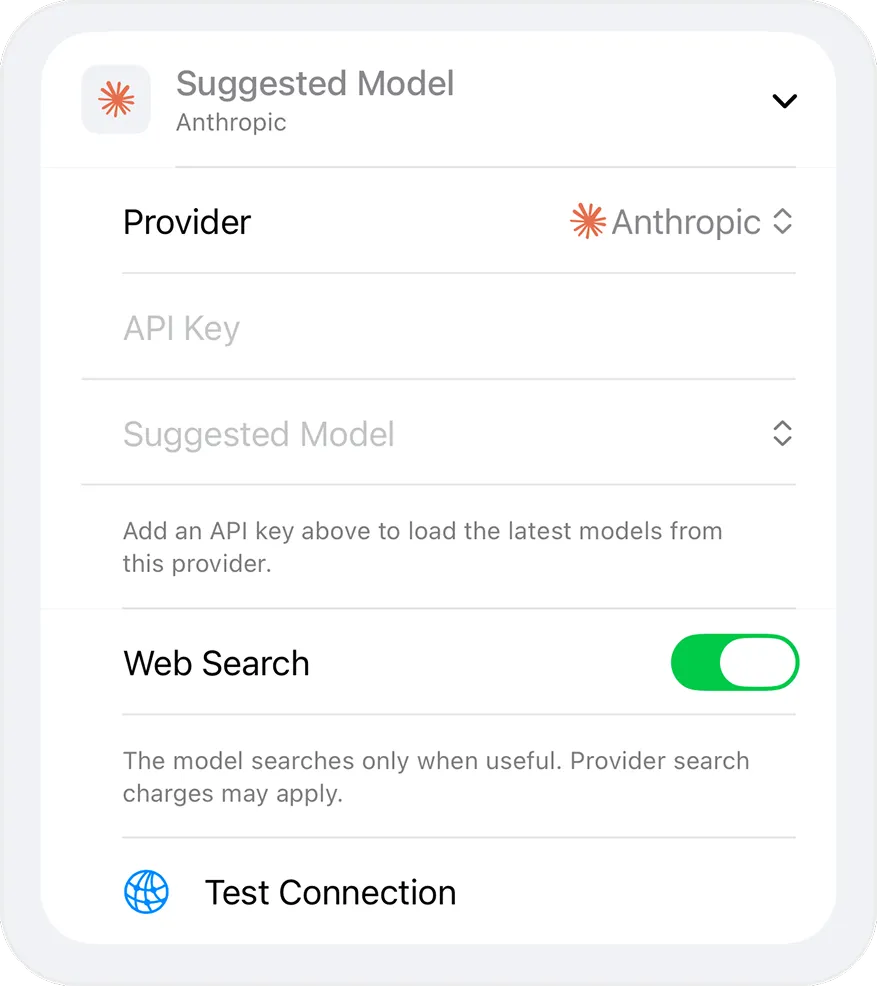
- Set Provider to Google Gemini and paste your key into API Key.
- Choose a model. Ensor loads the Gemini models available to your key, or you can type any Gemini model ID.
- Tap Test Connection, save, and start chatting.
Good to know
- Gemini API usage and any free tier are governed by Google’s current pricing for your API key.
- Images and PDFs are sent as inline data in Gemini’s format.
- Requests go directly from your iPhone to Google Gemini. There is no Ensor server in between.