OpenRouter in Ensor at a glance

APIOpenRouter Chat Completions API (https://openrouter.ai/api/v1)
Web searchOpenRouter web search
Image inputYes
PDF inputYes
StreamingYes
ModelsUse any model slug OpenRouter offers, such as openai/…, anthropic/…, google/… or x-ai/…. Ensor can load the current model list after you add your key, or you can type a full provider/model slug.

How to set up OpenRouter on iPhone

  1. Create an API key in OpenRouter settings.
  2. Open Ensor, go to Contacts and tap an AI’s avatar, or create a new AI.
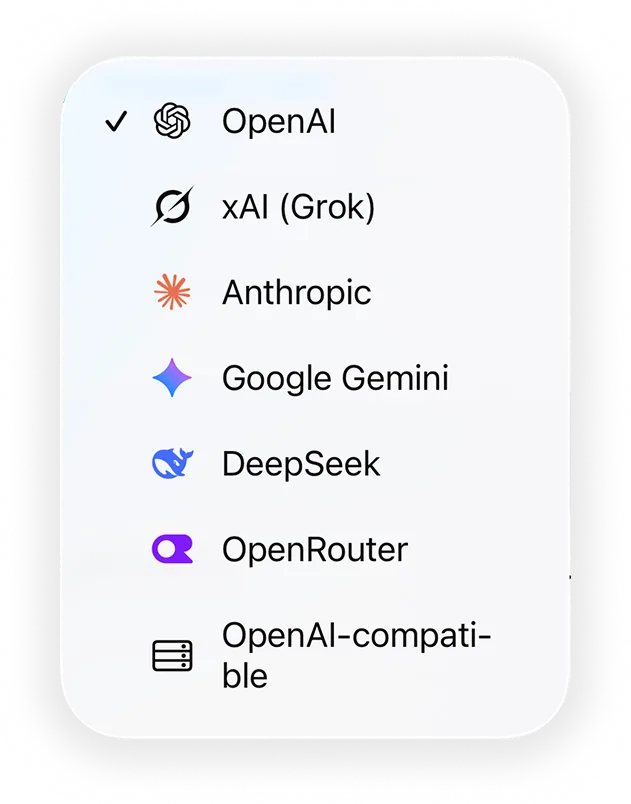
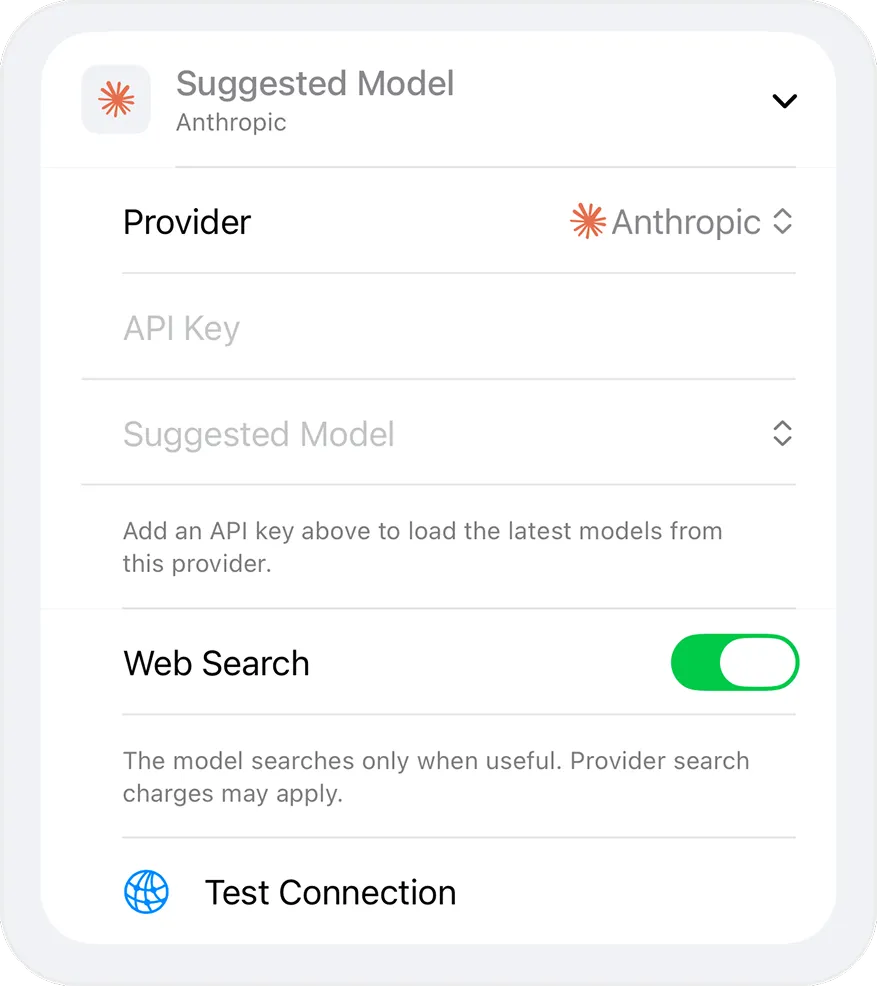
  3. Set Provider to OpenRouter and paste your key into API Key.
  4. Choose a model. Use any model slug OpenRouter offers, such as openai/…, anthropic/…, google/… or x-ai/…. Ensor can load the current model list after you add your key, or you can type a full provider/model slug.
  5. Tap Test Connection, save, and start chatting.

Good to know

Selecting OpenRouter as the provider for an AI contact in EnsorProvider, API key, model, web search and Test Connection settings in Ensor

Use OpenRouter alongside other models

Every AI contact in Ensor has its own provider and key, so you can keep OpenRouter next to other models and even put them in the same group chat. Other providers:

Frequently asked questions

Is there an OpenRouter app for iPhone?

Ensor is a free iPhone app that works as an OpenRouter client. Paste your OpenRouter API key, pick any model slug, and chat. Requests go straight from your iPhone to OpenRouter — there is no Ensor server in between.

Can I use different OpenRouter models with one key?

Yes. Create one AI contact per model and reuse the same OpenRouter key. Each contact keeps its own model, system prompt and conversations.

Is Ensor free to use with OpenRouter?

Yes. Ensor is free. Your OpenRouter account bills you for the API usage on your key.

Where is my OpenRouter API key stored?

In the iPhone Keychain, set to this device only. It is never stored in the app database, never exported and never sent anywhere except the provider’s API.
No Ensor account. No Ensor cloud. Your AI, your way.

Free · Requires iOS 17 or later · Bring your own API key

Download on theApp Store