What stays on your iPhone
- AI contacts, system prompts and universal prompts
- Chats and group chats
- Image and PDF attachments you add
- Token usage history reported by providers
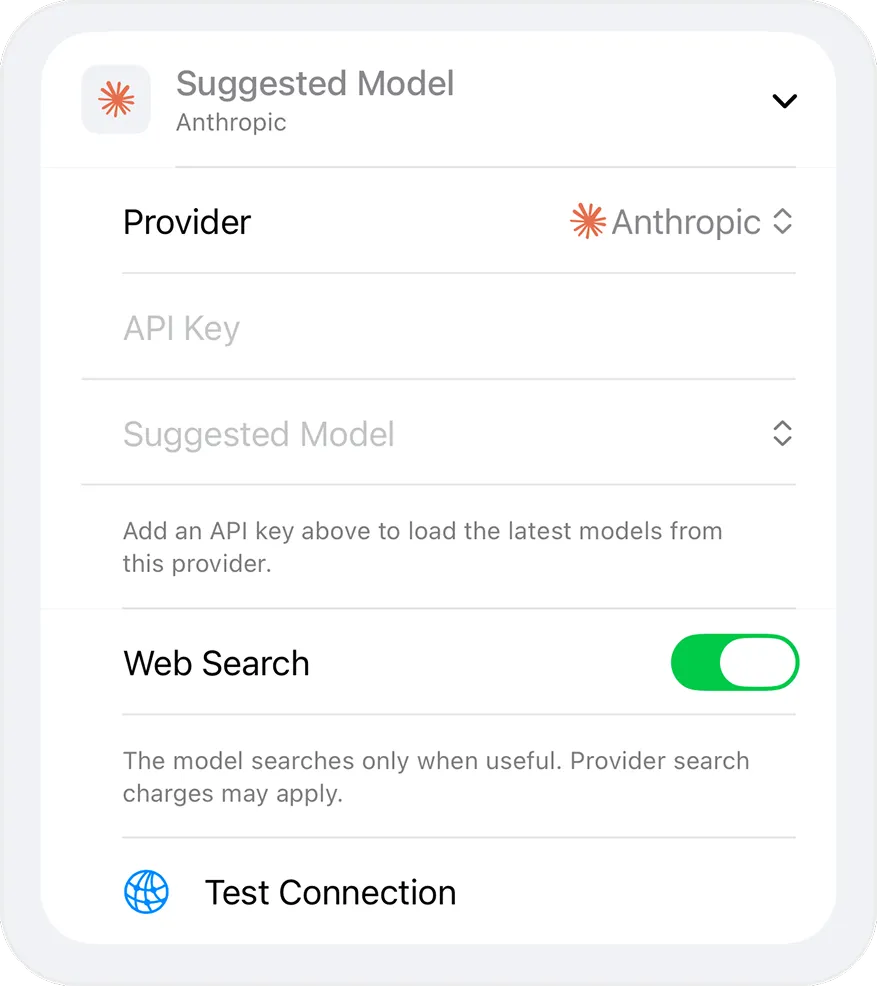
- API keys — in the Apple Keychain, set to this device only
What leaves your iPhone
Only the requests you send, and only to the provider you picked for that AI: your message, the conversation context and prompts it needs, any attachments, and your key in the authorization header. Ensor does not operate a server in between, and the app contains no third-party analytics, advertising or tracking SDKs.
Things to know
- The provider you connect processes your messages under its own terms and privacy policy.
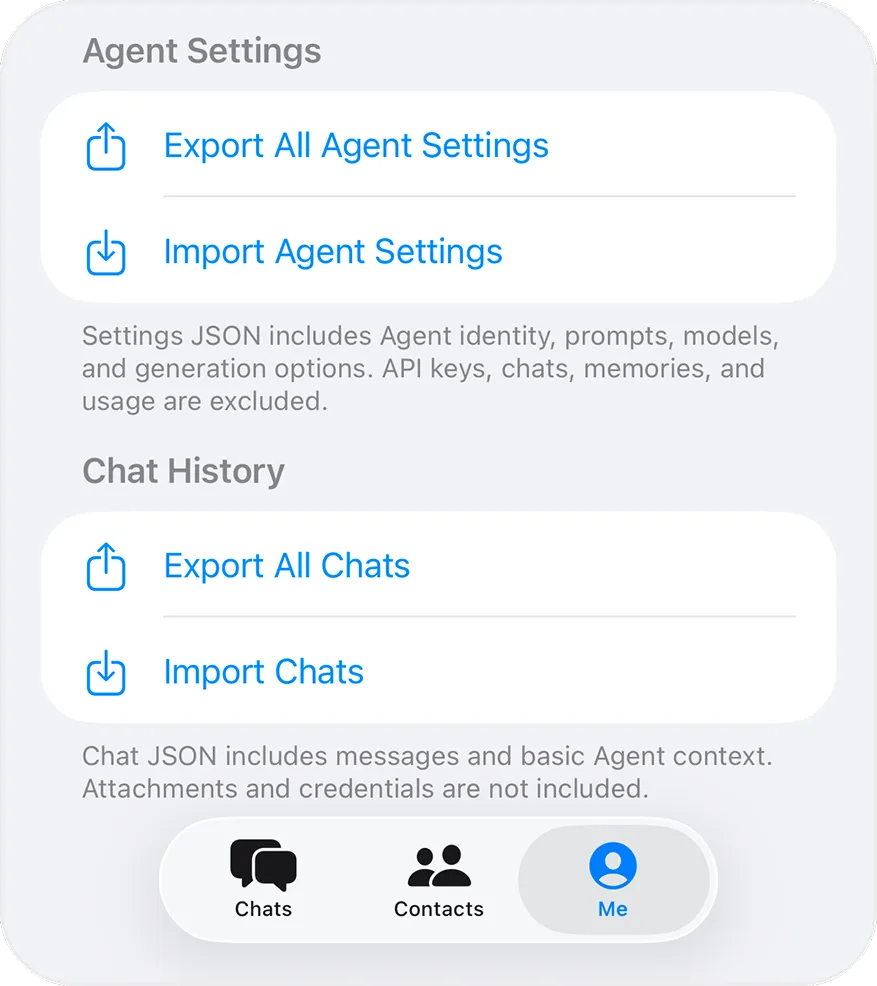
- There is no cloud sync. Use export and import to move to another iPhone.
- Deleting an AI contact removes its chats, attachments and Keychain key from the device.
Read the full privacy policy.